NBN Scam Calls: They Won't Disconnect You
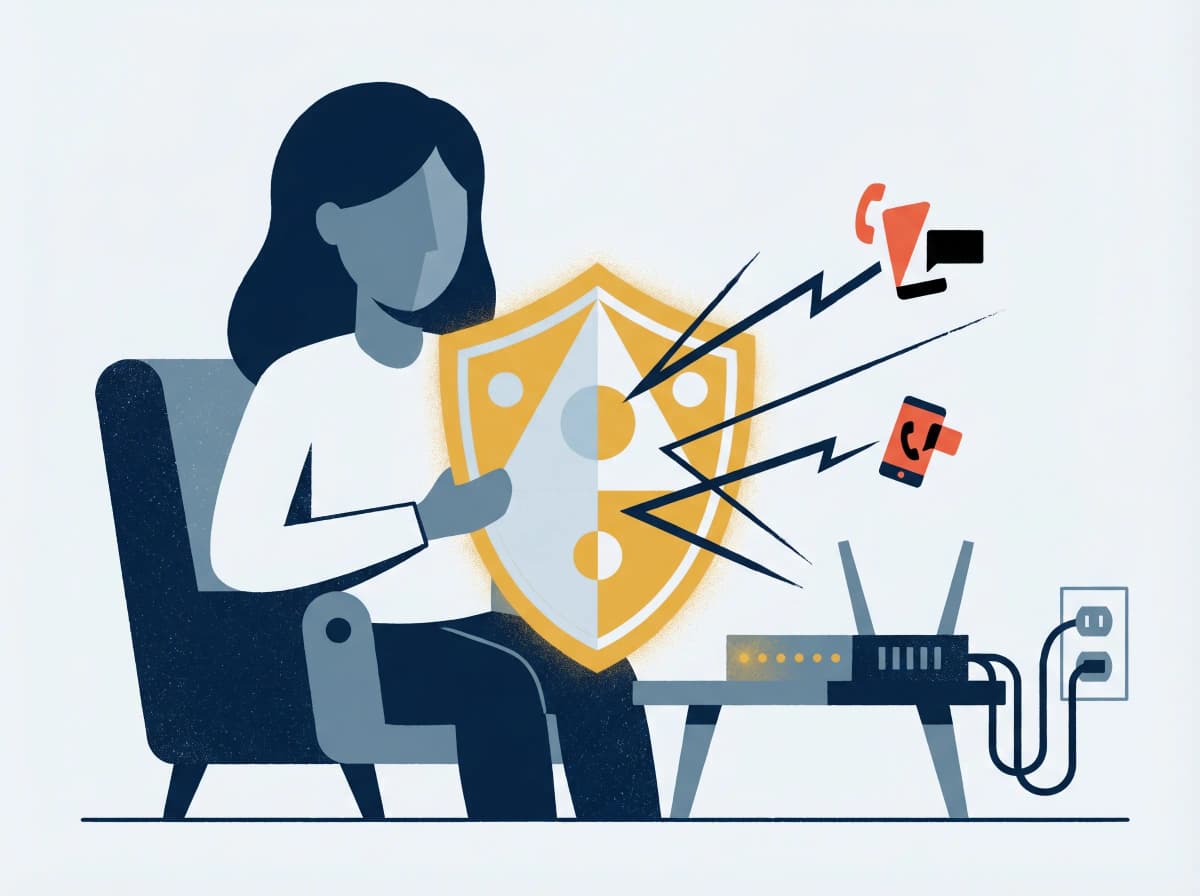
The phone rings. The voice on the other end says they're from NBN Co, or "the internet department," or "your provider's technical team." Your service, they say, will be disconnected in 24 hours unless you let them run a quick diagnostic. They sound official. They use technical-sounding language. Some of them spoof a real Australian number on your caller ID.
It's a scam. Always. Every single one of these calls is a scam — and the moment you understand why that's structurally guaranteed, the entire category becomes harmless.
This post is about that structural guarantee, the harm a successful version of this scam can do, and the five-minute defence that closes the door for good.
What's actually happening
The pitch varies. The mechanism doesn't.
A criminal — usually working from an overseas call centre — calls Australian phone numbers in bulk and impersonates a technical authority. The script is roughly: "We've detected a problem with your NBN line / your IP address has been compromised / your connection will be terminated unless you act now." They then ask you to do one of three things:
- Install remote-access software like AnyDesk, TeamViewer, or UltraViewer "so we can fix it from our end."
- Visit a website that downloads malware or a fake "support" portal.
- Read out a code sent to your phone — usually a banking SMS code or a multi-factor token.
Once they have remote access or a code, the rest of the attack runs in minutes: bank transfers initiated, files copied, accounts taken over.
Remote-access scams are one of the highest-loss categories tracked by the National Anti-Scam Centre's Targeting Scams program, costing Australians tens of millions of dollars a year. Average individual losses run into the thousands, and victims skew older: people 65+ are disproportionately hit.
The "NBN disconnection" pitch is one of the highest-volume variants. Robocalls cost the criminals fractions of a cent per dial. Even a 0.1% conversion rate is profitable.
Why this scam can never be real
Most fraud guides tell you to spot red flags. This one is simpler: there's a structural reason no real call about your NBN connection can come from "NBN Co."
NBN Co is a wholesale network operator. They sell capacity to retail providers — Telstra, Optus, TPG, Aussie Broadband, Superloop, Belong, and dozens more. They have no relationship with end users. They don't have your name, your phone number, your account, or any way to reach you. They cannot disconnect you, because they don't know you exist.
Your retail internet provider is the only company that has any account-level relationship with you. And legitimate retail providers don't make outbound calls about line faults — those don't work that way technically. If there's an issue with your NBN line, you'll see it as no internet, not as a phone call announcing it.
A few corollaries that close the door fully:
- No legitimate technical-support team will ask you to install remote-access software without you raising the ticket first.
- No legitimate provider will ask you for a banking SMS code. Ever. Codes belong to you alone.
- No legitimate provider will threaten immediate disconnection as a sales or support tactic.
What the calls actually sound like
Recognising the script takes the surprise out of it.
- The robocall opener. A pre-recorded voice: "This is an important message from NBN. Press 1 to speak to a technician." Press nothing — hang up.
- The "your IP has been compromised" pitch. Your IP address can't be "compromised" in any technical sense — it's a number routers use to find you. Anyone using this language is bluffing.
- The "your warranty is expiring" pitch. Internet connections don't have warranties.
- The "we've detected illegal activity on your line" pitch. No carrier monitors lines this way; criminal investigations don't begin with a phone call from a stranger.
- The accent gambit. Many calls come from offshore call centres. A heavy accent isn't a giveaway on its own, but combined with any of the pitches above, it's confirmation.
Every one of these is a tell. None of them appears in real customer service.
What to do when one of these calls lands
The action is the same every time: hang up, then verify.
If you're unsure whether a call is genuine, hang up and call your retail provider on the number printed on a recent bill — never a number the caller gave you. Spoofed caller IDs mean even the number on your screen can lie.
Direct lines for the major Australian retail providers:
- Telstra: 13 22 00 (say "fraud")
- Optus: 133 937
- TPG / Vodafone: 1300 650 410
- Aussie Broadband: 1300 880 905
- Belong: 1300 235 664
If the original call was a recorded message or a clearly suspect human, you don't need to verify — just hang up and report.
1. Report to Scamwatch. scamwatch.gov.au or 1300 795 995. Reports inform the National Anti-Scam Centre's disruption work and help shape ACMA enforcement.
2. Report the number to ACMA's Do Not Call register if you're on it: donotcall.gov.au.
3. If you gave remote access, treat it as compromise. Disconnect from the internet immediately. Power down. Call your bank from a different device.
4. If the bank you bank with offers it, ask them to flag your account for elevated-risk monitoring. ANZ, CommBank, Westpac, NAB and Macquarie all have this.
5. If you handed over a verification code, change every password from a clean device — and assume your email is compromised until proven otherwise.
A five-minute hardening checklist
Stops the next dozen calls from getting through, plus closes the worst-case fallout if one ever does.
1. Register for Do Not Call. donotcall.gov.au, free, takes 30 seconds. Won't stop offshore robocalls but will reduce the volume.
2. Install your phone's built-in spam-call screening. On iPhone: Settings → Phone → Silence Unknown Callers. On Android: Phone app → Settings → Caller ID & spam protection. Calls from numbers not in your contacts route to voicemail; legitimate callers leave a message.
3. Never install remote-access software at someone else's request. AnyDesk, TeamViewer, UltraViewer, LogMeIn, and similar tools are dangerous in untrained hands. Treat them like power tools — fine when you initiate, never when someone else asks.
4. Set up a banking spend cap and per-day transfer limit. Most Australian bank apps support this. Even if a scammer gains access, the cap limits the damage.
5. Talk to one older relative about this scam this week. People over 65 lose more to remote-access scams than any other group. The conversation is awkward; it works anyway.
The bottom line
NBN Co will never call you, because they don't know you. Your retail provider doesn't cold-call about line faults, because faults don't work that way. There is no technical scenario that requires you to install remote-access software for someone you didn't ring first. Once you internalise that, the script collapses on its own — and the scam stops being a near-miss.
If a call ever shakes you, paste the caller's pitch into Ask Arthur and we'll confirm in five seconds. The scam works on hesitation; we close that gap.
If you've given a remote-access scammer control of your computer, disconnect immediately, then call your bank's fraud line and IDCARE on 1800 595 160. Report to Scamwatch on 1300 795 995. To report repeat callers, lodge a complaint with ACMA at acma.gov.au.
Ask Arthur is Australia's friendly scam-detection companion, built locally with Australian threat intelligence. For more guides and real-time alerts, visit askarthur.au.
Related posts
Think you've received a scam?
Check it instantly — free, private, no signup.
Check nowStay ahead of scams
Weekly alerts delivered to your inbox every Monday.