Australia Post Delivery Scam Texts: What to Look For
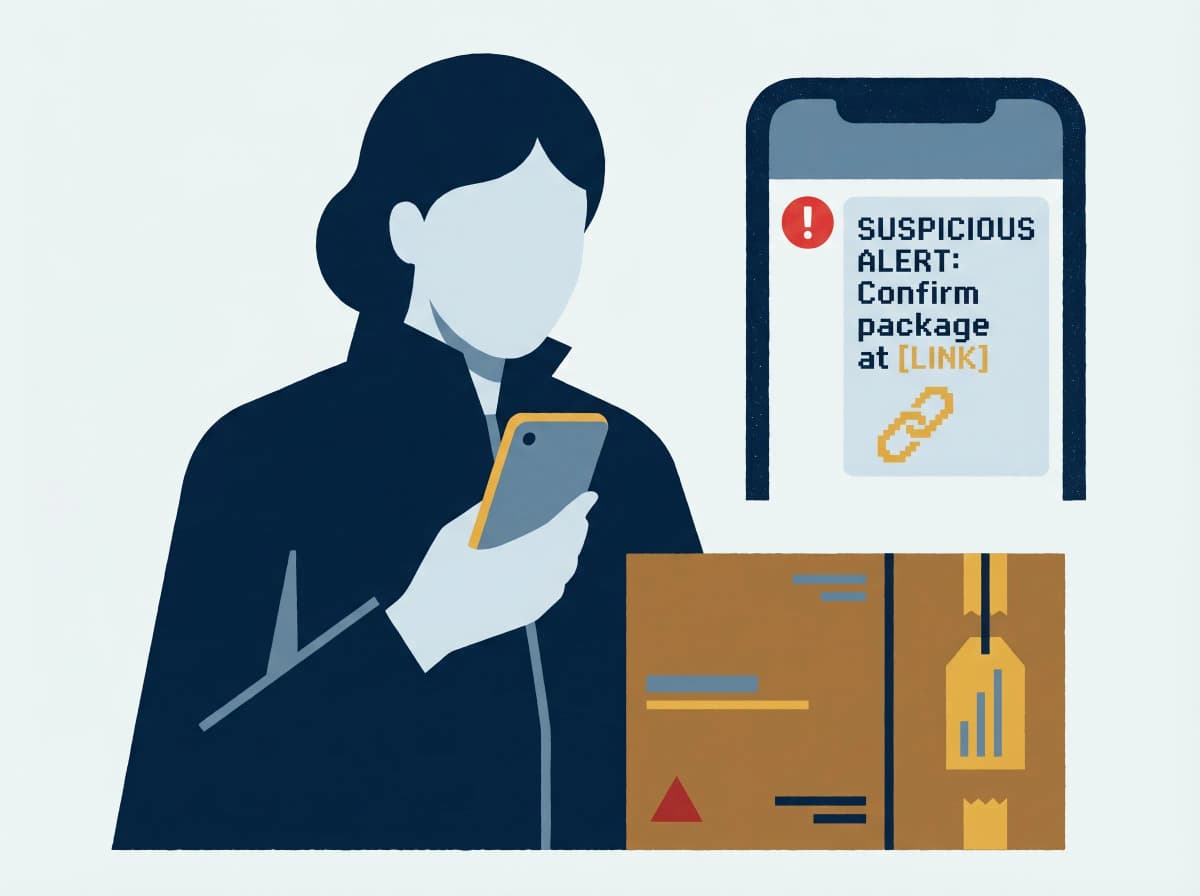
If you've ever ordered something online — and most of us order most weeks — there's a decent chance you've received a text that looks like it's from Australia Post. "Your parcel could not be delivered. Reschedule here." A small hyperlink. A faintly urgent tone. No sender name you can verify.
The reason these scams keep working isn't that Australians are gullible. It's that they're plausible. Most of us do have a parcel in transit. The fake texts are timed to ride the wave of real ones, and the difference between the two takes about ten seconds to spot — once you know what you're looking at.
This guide is the ten seconds.
What's actually happening
The scam is called a parcel-delivery phish, and it works the same way every time. A criminal blasts millions of SMS messages claiming to be from Australia Post (or DHL, FedEx, or your local courier). The text contains a link to a website that looks identical to auspost.com.au but lives on a different domain — usually a long, hyphenated lookalike registered hours before the campaign.
When you click, one of three things happens:
- A fake "reschedule delivery" form harvests your name, address and phone number for downstream identity fraud.
- A "small redelivery fee" page captures your credit card number, expiry, and CVV — instantly used or sold on criminal forums.
- A drive-by malware page silently installs an Android banking trojan that intercepts your real banking SMS codes.
Australia Post is consistently among the most-impersonated brands in Scamwatch's annual reporting. The National Anti-Scam Centre's Targeting Scams program confirms phishing as one of the most-reported scam categories in Australia year on year — and parcel-delivery texts are one of the fastest-growing variants.
The kicker: the scam works on people who don't have a parcel coming. Curiosity is enough.
Why it's getting worse in 2026
Two forces are pushing volumes up.
eCommerce volume. Australian online shopping is now a tens-of-billions-of-dollars-a-year market, per Australia Post's own Inside Australian Online Shopping reporting. That's the haystack scammers hide their needle in.
Breached personal data. Optus, Medibank, Latitude, MediSecure, Qantas. Names, phone numbers, addresses — the building blocks of a personalised scam — are now commodity items. The next-generation parcel scams already include your real first name and a plausible local suburb, scraped from breach data, to defeat the "I'd never click a generic text" defence.
Australia's SMS Sender ID Register goes live on 2 July 2026, run by ACMA. Once in force, brands like Australia Post will be able to register their sender IDs and telcos will be required to block spoofed SMS that pretends to come from them. Until then — and for a tail period after — fake "AusPost" SMS will keep landing. The law is catching up; the inbox isn't safe yet.
What real Australia Post will and won't do
A short myth-killer that defuses most attacks before you click.
- Real Australia Post will never text you a payment link. Customs duties and redelivery fees, if they exist, are paid through the MyPost app or at a Post Office counter — never via an SMS link.
- Real Australia Post links use auspost.com.au. Anything else —
aus-post-delivery.shop,auspost.parcel-au.net,bit.ly/...— is a scam. - Real Australia Post sender IDs read "AusPost" when they appear at all. Many real notifications now come only through the MyPost app's push notifications, not SMS.
- Real Australia Post never asks for your full credit card or banking password. Ever.
- Real Australia Post never threatens you with parcel destruction in 24 hours. Unclaimed parcels are returned to sender or held at a Post Office for collection — that's the entire enforcement mechanism.
If a message breaks any of those rules, it's not from Australia Post.
The ten-second test
Before you click anything, run this checklist. It takes longer to read than to do.
1. Look at the sender. Is it "AusPost", or is it a random mobile number? Random numbers are a red flag.
2. Look at the link, not the text. Tap and hold to preview the URL without opening it. Real links end in auspost.com.au. Fake ones only contain auspost somewhere in the middle.
3. Look at the request. Real Australia Post never asks for a credit card via SMS. If money is being asked for, it's a scam.
4. Look at the urgency. "Final attempt", "will be returned in 24 hours", "act now" — these are pressure tactics. Real logistics doesn't work that fast.
5. When in doubt, go direct. Open the MyPost app or type auspost.com.au into your browser yourself. If you have a real parcel, it'll be there.
If you've already clicked: the first ten minutes
The order matters. If you entered card details, call your bank first — before reporting the scam, before changing passwords, before anything else. Every minute counts; criminal card-testing happens within minutes of the data being captured.
1. Call your bank's fraud line — from another phone if your own is acting strangely.
- CommBank: 13 2221
- Westpac: 132 032
- NAB: 13 22 65
- ANZ: 13 33 50
- Macquarie: 1800 622 742
Tell them: "I entered card details on a phishing site — block and replace." Flag any charges as unauthorised.
2. Forward the scam SMS to 0429 401 703. That's Australia Post's dedicated scam-reporting number — free, even on prepaid. Then delete the message.
3. Report to Scamwatch at scamwatch.gov.au or on 1300 795 995. You'll get a reference number that the ABA's banks honour for refund decisions under the ePayments Code.
4. If you entered identity details (Medicare, driver licence, TFN), call IDCARE on 1800 595 160. They're free, government-funded, and Australia's specialist identity-recovery service.
5. Run an antivirus scan if you tapped through on Android — particularly any "open in app" prompt. Banking trojans hide in plain sight as APK installers.
A two-minute hardening checklist (do this tonight)
Five small habits that make this entire category of scam bounce off you.
1. Install the MyPost app and turn on push notifications. Once you do, the question "is this real?" answers itself: real notifications appear in the app, not as an SMS.
2. Save Australia Post's scam-reporting number as a contact: AusPost Scam Report → 0429 401 703. When the next dodgy text arrives, forwarding it takes one tap.
3. Stop saving payment cards in your browser. Chrome and Safari autofill make phishing forms feel "right." A dedicated password manager (1Password, Bitwarden, Apple Passwords) won't autofill on a lookalike domain — which is the warning signal you want.
4. Add a bank-app spend limit. Most major Australian bank apps now let you cap card-not-present transactions or freeze the card with one tap. Use both.
5. Tell one older relative this week. Parcel-delivery scams disproportionately hit people over 65 — not because they're less careful, but because they have more parcels in transit. A two-minute phone call is the most effective intervention there is.
The bottom line
Parcel-delivery scams aren't going away. They work because they ride a real flow of real packages, and the criminals running them are professionals — not lone teenagers in a basement, but operations buying breached data and renting SMS gateways. Defending yourself isn't about being smart enough to spot every fake. It's about removing the moment of doubt: install the MyPost app, save the scam-reporting number, never enter card details from a link in a text. Three small changes, and the next fake text becomes background noise instead of a near-miss.
If a message ever feels off — even slightly — paste it into Ask Arthur first. Free, no signup, takes about five seconds.
If you've lost money to a parcel-delivery scam, contact your bank immediately, then report to Scamwatch on 1300 795 995. For identity-recovery support, IDCARE's free service is on 1800 595 160. To report scam SMS to Australia Post, forward the text to 0429 401 703.
Ask Arthur is Australia's friendly scam-detection companion — built locally, with Australian threat intelligence. For more guides and real-time alerts, visit askarthur.au.
Related posts

Think you've received a scam?
Check it instantly — free, private, no signup.
Check nowStay ahead of scams
Weekly alerts delivered to your inbox every Monday.