Is That myGov Email Real? How to Check
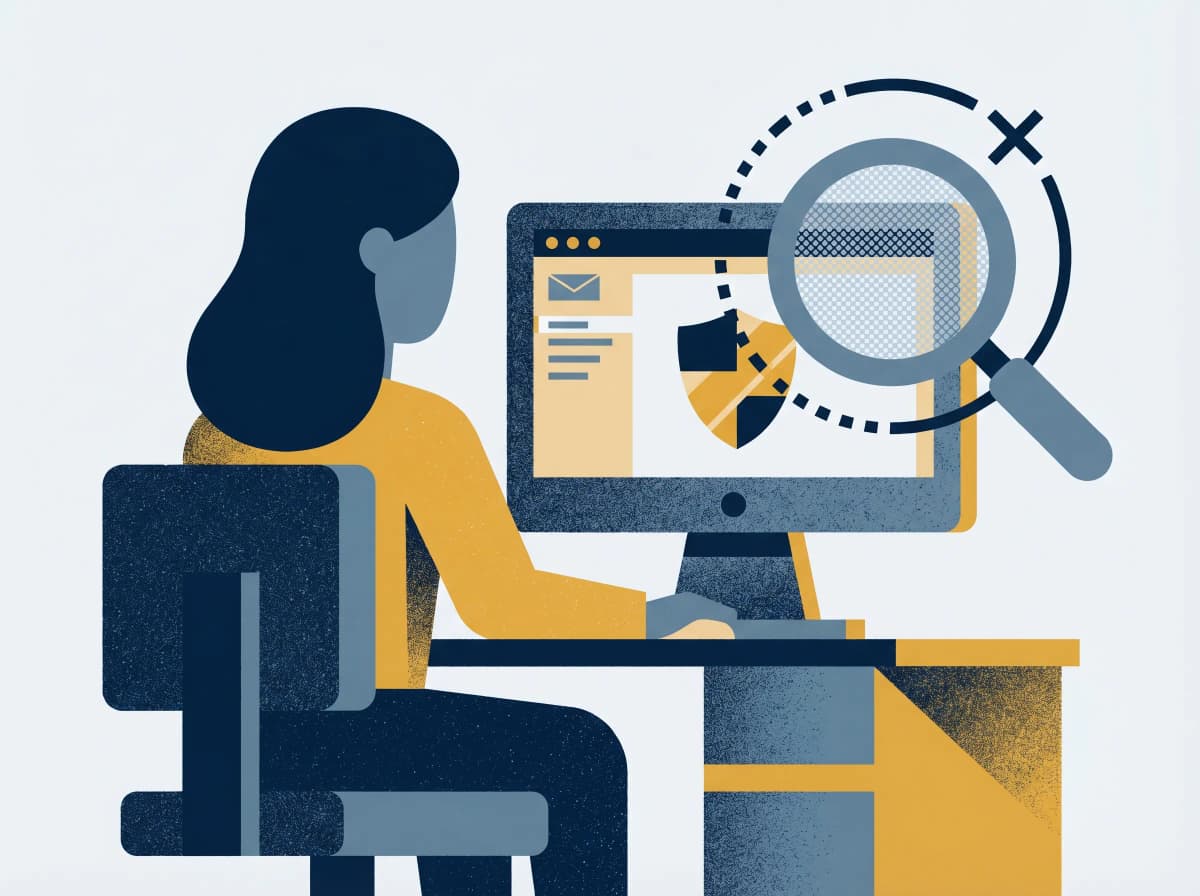
Most Australians have a myGov account. Most of us check it occasionally — when there's a tax return, a Centrelink update, a Medicare claim. Which is exactly why fake myGov emails are so dangerous: the real version is rare enough that we don't have a strong sense of what genuine looks like.
If you've received an email today claiming to be from myGov and asking you to "verify your account" or "claim a refund" — especially if it has a login link — it's almost certainly a phishing attempt. The good news is that real myGov emails follow a tiny set of rules, and once you know them, every fake stands out.
Here's the rulebook.
What's actually happening
The fake-myGov pipeline is one of Australia's most industrialised phishing operations.
A criminal sends millions of emails imitating myGov design — same logo, same colour palette, same Services Australia signature. The body claims one of:
- Your account needs verification within 24 hours.
- You have an unclaimed refund waiting for bank details.
- A suspicious login has been detected and you must "secure your account."
- Your payment (Centrelink, JobSeeker, Medicare) is on hold pending verification.
Every variant ends the same way: a button or link to what looks like a myGov login page. The page captures your username, password, and any MFA code you enter. From there, the criminal has access to your tax records, Centrelink details, Medicare claims, and — critically — the same identity data needed to commit downstream fraud.
myGov phishing is one of the most-reported scam categories in Australia, with Services Australia confirming millions of fake-message reports a year — and successful credential theft enabling downstream fraud against Centrelink, Medicare and ATO accounts. myGov credentials don't just unlock benefits; they unlock the identity stack that opens bank accounts, sells real estate, and applies for loans.
The kicker: a successful credential-harvest gives the criminal access to all of your linked services in one shot — myTax, Centrelink, Medicare, Aged Care, Child Support, NDIS. One password, one breach, every consequence.
Why fakes are getting better
Three forces converging in 2026.
AI-generated copy. The grammatical errors that used to flag a fake myGov email are gone. Modern phishing emails read like a junior public servant wrote them — because, in effect, an AI did.
Breach-data personalisation. "Dear Brendan, regarding your linked CRN ..." — using your real first name and a partial Customer Reference Number gleaned from breach data. The "dear customer" tell is being phased out.
Lookalike domains. mygov-au.com, mygov.support, services-au.gov, mygov-claims.net. Domains registered hours before a campaign, hosted on legitimate cloud providers, with valid HTTPS certificates. The padlock no longer means safe.
The real myGov never asks you to log in via a link in an email. Every legitimate myGov email tells you to navigate to my.gov.au yourself. If an email contains a "log in" or "verify now" button, it isn't from myGov — regardless of how convincing the design looks or how official the sender address appears.
What real myGov emails actually do
A short rulebook that defuses every fake.
- Real myGov emails come from
noreply@my.gov.au. Notmygov.gov.au, notnotifications@mygov-au.com, not any variation. The domain ismy.gov.au, full stop. - Real myGov emails contain no login links. Their entire purpose is to tell you "there's a new message in your inbox — go to my.gov.au and check."
- Real myGov emails never ask for your password, banking details, or Medicare number. None of these are required for any legitimate myGov communication.
- Real myGov emails never threaten account suspension within 24 hours. myGov doesn't operate on that timeline.
- Real myGov emails never tell you about a refund you didn't apply for. If the ATO owes you money, you'll see it in your myGov inbox after lodging — not as a surprise email.
If an email breaks any of those rules, it's a phishing attempt.
How to check in ten seconds
The verification doesn't require any inspection of the email itself.
1. Don't click the email. Don't tap any link, don't open any attachment, don't reply.
2. Open a fresh browser tab. Type my.gov.au directly. (On mobile, use the official myGov app instead.)
3. Log in normally. If a real message exists, it will be in your myGov inbox. If your inbox is empty, the email was fake.
4. Forward the email to scams@servicesaustralia.gov.au. That's Services Australia's dedicated scam-reporting address. Then delete the original.
5. If anything looks wrong on your real account — unusual login locations, unexpected linked services, payments routed somewhere new — change your password immediately, enable MFA in myGov security settings, and call Services Australia on 136 150 (Centrelink) or 132 011 (Medicare).
This routine takes longer to read than to do.
If you've already clicked
Speed matters. Criminals run automated scripts that test harvested credentials within minutes. The faster you change your password, the better your odds of getting in front of them.
1. Change your myGov password immediately. Go to my.gov.au (in a fresh tab, not via the email). Settings → Change password.
2. Turn on multi-factor authentication. myGov supports the myGov Code Generator app, SMS codes, or a physical security key. Anything is better than nothing; the app is best.
3. Review your linked services. myGov → Services. If anything is linked that you don't recognise, unlink it and report it.
4. Call Services Australia for fraud-flagged monitoring. 136 150 for Centrelink, 132 011 for Medicare.
5. Place a free 21-day credit ban. Equifax (equifax.com.au/ban) and Experian (experian.com.au/consumer/request-a-ban) cover the three credit bureaux between them. Free, takes five minutes.
6. Call IDCARE on 1800 595 160 for free, government-funded identity-recovery support if any government identifier — Medicare number, driver licence, TFN — was on the phishing form.
A two-minute hardening checklist
Stops the next round of phishing emails from costing you anything.
1. Install the official myGov app. Sets up secure push notifications instead of email — meaning every legitimate alert lands in the app, not your inbox. Email-based phishing becomes inert.
2. Turn on MFA in myGov security settings. Even if your password is phished, MFA stops the attacker from logging in.
3. Use a password manager. 1Password, Bitwarden, or Apple Passwords won't autofill on a lookalike domain. The absence of autofill is your warning.
4. Bookmark my.gov.au in your browser. Make the bookmark your habit; never click "log in" links in any email claiming to be from myGov, ever.
5. Tell one family member. Phishing-email scams hit older Australians and busy parents disproportionately — partly because both groups deal with myGov often. A two-minute conversation saves a fortnight of cleanup.
The bottom line
myGov is the front door to a lot of Australian government services, which makes it the most valuable phishing target in the country. The defence is one habit: never log in from an email link. Type my.gov.au yourself, every time. If a real message exists, it'll be there waiting. If it doesn't, you've just deleted a phishing attempt without giving the criminal a thing.
If you're ever uncertain, paste the email body into Ask Arthur — five seconds, free, fully Australian threat data behind it.
If you've entered your myGov password on a fake site, change it immediately, enable MFA, and call IDCARE on 1800 595 160. To report myGov phishing, forward the email to scams@servicesaustralia.gov.au. For broader scam reports, Scamwatch is on 1300 795 995.
Ask Arthur is Australia's friendly scam-detection companion, built locally with Australian threat intelligence. For more guides and real-time alerts, visit askarthur.au.
Related posts
Think you've received a scam?
Check it instantly — free, private, no signup.
Check nowStay ahead of scams
Weekly alerts delivered to your inbox every Monday.