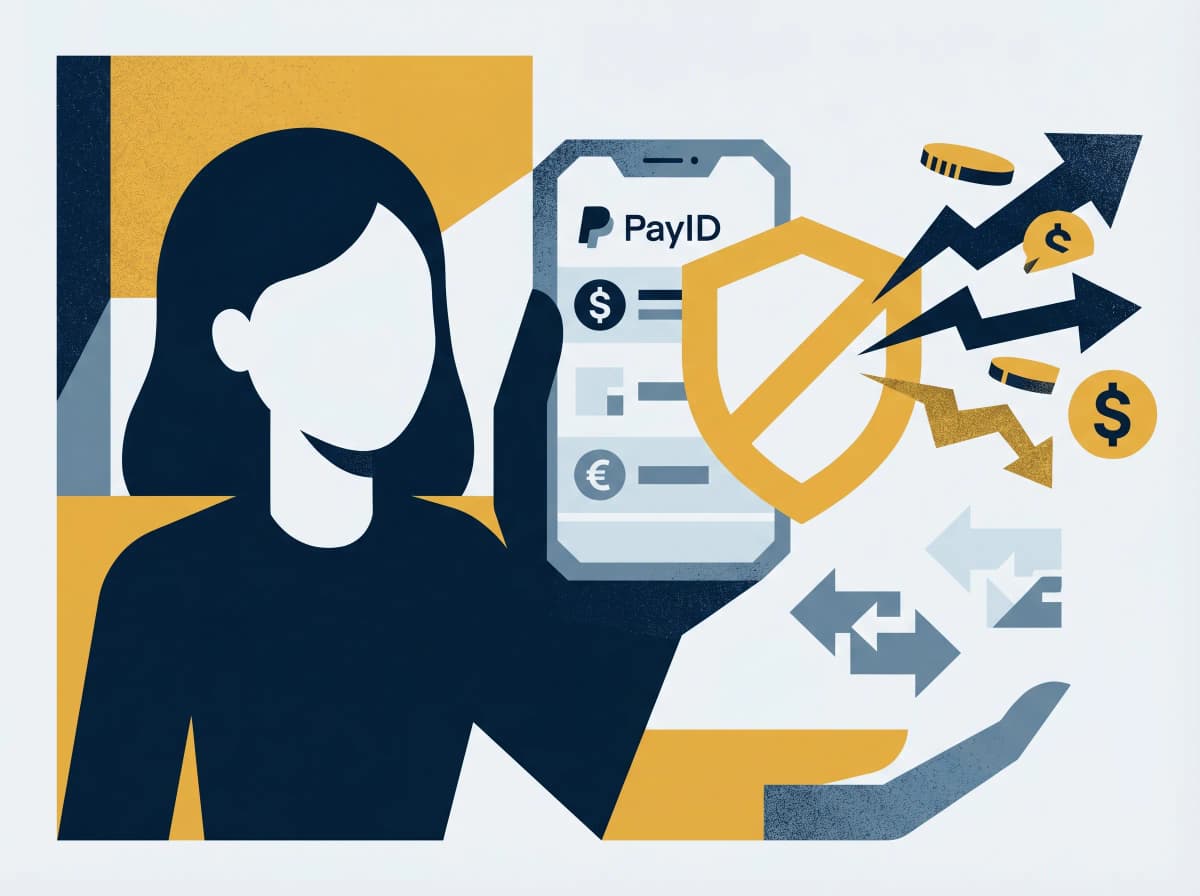
PayID Scams on Facebook Marketplace: The Complete Guide to Staying Safe
How PayID scams work, the exact scripts scammers use, and how to protect yourself when buying and selling online.
PayID is one of the most useful features Australian banks have shipped in the last decade — and one of the most successfully impersonated scam vectors. If you sell anything on Facebook Marketplace, Gumtree, or any other classifieds platform, you'll encounter the script eventually. The fake emails are convincing. The buyer's tone is friendly. The pressure is gentle. Thousands of Australians lose money to this every month.
Here's how the scam actually works, the canonical messages to watch for, and the single fact about PayID that defuses every variant.
How the scam works
The script is consistent across thousands of campaigns. Six steps, all of them designed to feel routine.
Step 1: The buyer messages. They love your item, agree to your price instantly, sound friendly and hurried.
Step 2: PayID is suggested. "I'll pay via PayID — what's your email?" This part is legitimate; sharing your PayID identifier so someone can pay you is fine.
Step 3: The collection excuse. They can't pick up themselves. "My brother / friend / partner will come and grab it — I'll send the payment now."
Step 4: The fake email arrives. You receive an email that looks like it's from PayID. It says payment has been sent but is "on hold" because you need to upgrade to a "business account" — by transferring A$200 to a BSB and account number to release the funds.
Step 5: The pressure builds. The "buyer" follows up: "Have you received the payment? My friend's already on the way."
Step 6: You transfer the upgrade fee. That's the scam. No buyer, no payment, no business-account upgrade. The BSB belongs to the criminal.
A typical fake PayID email reads like this:
"PayID Payment Received — Action Required. Dear [Your Name], you have received a payment of A$850 via PayID from [Buyer Name]. However, as this is a business transaction, the funds cannot be released to your personal account. To receive this payment, you must upgrade to a PayID Business Account by paying a one-time fee of A$200. Please transfer A$200 to BSB XXX-XXX Account XXXXXXXX to upgrade. Once confirmed, the full payment of A$850 will be released within 1 hour."
Every line is fabricated. PayID does not send emails. There is no PayID Business Account. The BSB belongs to the scammer.
The "overpayment" variant works the same way: the fake email claims the buyer "accidentally" sent A$1,200 instead of A$850, and asks you to refund the A$350 difference. You transfer A$350 to the scammer. No original payment ever existed.
The one fact that defuses the whole thing
This is the single most important thing to understand about PayID:
PayID does not send emails. Ever.
PayID is a feature of the New Payments Platform, operated jointly by Australian banks. All PayID communication happens exclusively inside your banking app or internet banking portal. There's no PayID support team. There's no PayID business account. There's no email-notification system at all.
Any email claiming to be from PayID is a scam. Full stop. To verify whether a payment is real, open your banking app and check your transaction history. If the money's there, it's there. If it's not in your account, no payment has been made — regardless of what an email says.
Most variants of this scam collapse the moment you check your actual account instead of the email.
The canonical scam messages
These are real examples reported by Australian victims. The wording barely changes from one campaign to the next — which is what makes the pattern recognisable once you've seen it.
- "Hi, is this still available? I can pay full price via PayID. My mum will come pick it up tomorrow if that's ok?"
- "I've just sent the payment through PayID. You should get an email confirmation shortly. Let me know when it comes through and I'll organise pickup."
- "Hey did you get the PayID email? It says you need to upgrade your account to business. I had the same issue when I first started using PayID — it's just a one-time thing. They refund the fee straight away."
That last message is the scam's signature: the "I had the same issue, it's normal" reassurance. It's the social-engineering hook designed to override your hesitation.
Red flags checklist
Use this whenever you're selling on Marketplace, Gumtree, or anywhere else.
- Non-bank email addresses. Real PayID communication doesn't exist. Real bank emails come from your bank's official domain — not
payid-support@gmail.comorpayid.australia@outlook.com. - "Business account" or "upgrade" requests. PayID has no account tiers and no upgrade fees.
- "Overpayment" refund requests. The buyer claims to have accidentally over-paid and asks you to refund the difference. Always a scam.
- Off-platform pressure. "Let's chat on WhatsApp / email / text" — moves the conversation off Facebook's reporting system.
- Urgency around collection. "My friend's on the way now, have you received the payment?" — the clock is the hook.
- Too-quick price agreement. Real buyers haggle. Scammers agree to your price instantly because they're not actually paying.
- Third-party collection. "Someone else will pick it up" — distances the scammer from the physical transaction.
One hit is enough to walk away.
What to do if you're targeted
Don't transfer anything. Open your banking app and look. That's the entire test. If the money's not there, no payment has happened — the email is fake, the buyer is fake, and the scam ends the moment you stop participating.
If you've already sent money:
1. Call your bank's fraud line immediately. CommBank 13 2221, Westpac 132 032, NAB 13 22 65, ANZ 13 33 50, Macquarie 1800 622 742. Ask them to attempt a recall through the New Payments Platform. Speed matters.
2. Report to Scamwatch at scamwatch.gov.au or 1300 795 995. The reference number is what your bank's refund decision links to under the ePayments Code.
3. Report the scammer on Facebook. Tap the three-dot menu on their profile or listing → Report. Block them. Don't engage further — "recovery scams" (a follow-up offering to retrieve your money for a fee) target everyone who's just been scammed.
4. If identity details were shared, call IDCARE on 1800 595 160. Free, government-funded, Australia's specialist identity-recovery service.
How to sell on Marketplace safely
Three habits that make the entire category bounce off you.
Cash on pickup, in a public place. The simplest, oldest, safest method. Meet at a shopping centre or a police-station car park, count the cash before handing over the item, and you've removed every payment-fraud variant in one move.
For bank transfer or PayID, verify in your app — not via email. If it's a real PayID payment, it'll be visible in your banking app within seconds. The email is a lie regardless of how official it looks.
Don't accept these payment methods, ever. Gift cards, cryptocurrency, wire transfer (Western Union, MoneyGram), or PayPal "Friends & Family" on a marketplace transaction. Any of these is a sign the buyer is a scammer.
If something feels off mid-transaction, paste the buyer's messages into Ask Arthur. Five seconds, free, Australian-trained on this exact pattern.
The bottom line
PayID itself is safe. It's a real, regulated feature of the Australian banking system. The scam isn't a technical attack — it's a social one, built on the fact that most sellers don't know PayID never sends emails. Once you know that, every variant of the scam becomes visible immediately. Open the banking app. Check the account. If the money's there, ship the item. If it isn't, the buyer is a criminal.
If a Marketplace conversation ever feels off, paste it into Ask Arthur and we'll confirm in seconds.
If you've sent money to a PayID scammer, contact your bank's fraud line first, then report to Scamwatch on 1300 795 995. For identity-recovery support, IDCARE's free service is on 1800 595 160. Install the Ask Arthur Chrome extension for real-time PayID-pattern detection inside Messenger and Marketplace.
Ask Arthur is Australia's friendly scam-detection companion, built locally with Australian threat intelligence. For more guides and real-time alerts, visit askarthur.au.
Related posts
Further reading
External links are editorially selected — Ask Arthur is not responsible for third-party content. Read our editorial policy.
Think you've received a scam?
Check it instantly — free, private, no signup.
Check nowStay ahead of scams
Weekly alerts delivered to your inbox every Monday.