Is That Facebook Marketplace Listing a Scam? How to Check Before You Buy
A practical guide to spotting fake listings, verifying sellers, and staying safe on Facebook Marketplace.
Facebook Marketplace has become Australia's de-facto secondhand market — and one of its busiest scam vectors. The good news is that almost every Marketplace scam falls into one of five families, each with a recognisable script and a defence that takes seconds to apply once you've seen it.
This is the field guide. Five scam types, five seller checks, the right payment methods, and what to do when something goes wrong.
The five Marketplace scams
Fake listings. Stolen photos, below-market prices, deposit requested before "shipping" — which never arrives. Hits iPhones, consoles, designer clothing, vehicles, event tickets, rental properties.
PayID and payment scams. Polished scripts around fake PayID "business account upgrade" emails, doctored bank-transfer screenshots, overpayment-refund tricks. PayID itself is safe — but PayID never sends emails, which defuses the whole category. Full breakdown in our PayID scams guide.
Shipping scams. The seller insists on shipping rather than meeting in person, then sends an empty box, a fake tracking number, or claims the item was "lost in transit". Marketplace was designed for local pickup — interstate shipping is a yellow flag.
Identity-verification scams. "Click this link to verify your identity." The link goes to a fake site harvesting your name, address, driver's licence, sometimes banking details. No legitimate Marketplace transaction requires third-party identity verification.
Counterfeit goods. Designer clothing, electronics, beauty products at prices that don't match the brand. Sold as "unwanted gifts", "ex-display", or "liquidation sale".
Scamwatch logs thousands of buying-and-selling scam reports per year, with social-platform-originated frauds the fastest-growing channel. Reported losses cluster low per victim — typically a few hundred dollars — but the harvested card details and identity documents are often resold or reused weeks later against larger purchases. The first transaction is rarely where the real damage lands.
The "small loss" framing is the bait. The card data and identity details are the real prize.
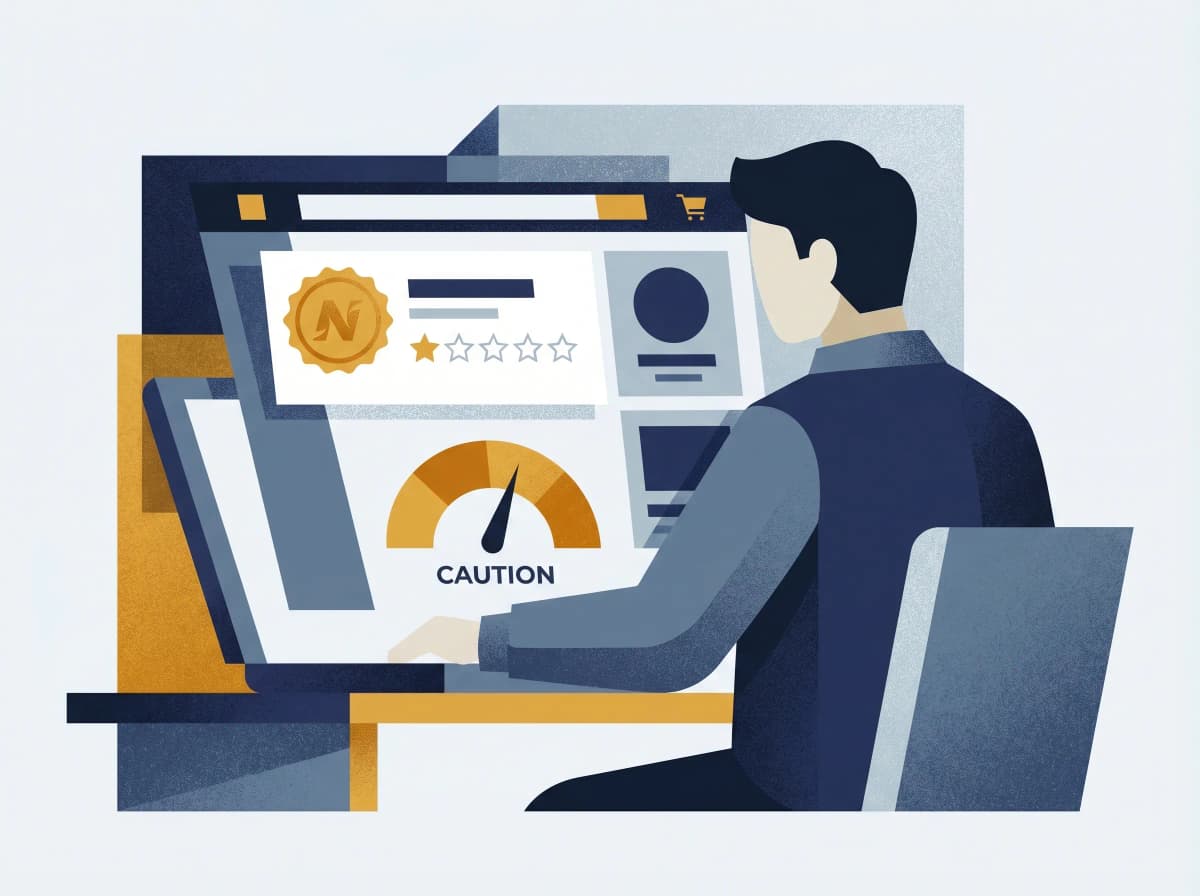
How to check a seller in 30 seconds
Click the seller's name on any listing and look at their profile. Five fast signals.
1. Account age. New accounts (last few months) selling high-value items are a major red flag. Established profiles with years of normal posts are dramatically lower risk.
2. Marketplace ratings. Sellers with no ratings are higher risk — but so are sellers with suspiciously perfect ratings and generic review text (often bot-generated).
3. Listing history. Red flag: multiple high-value items across unrelated categories at below-market prices. Green flag: a history of selling similar items over time.
4. Location consistency. Does their pickup location match their profile? Claiming local but want to ship interstate? Pickup address verifiable on Google Maps?
5. Profile completeness. Real users have profile photos, friends, post histories. Generic stock-photo profiles with three friends and no posts are usually fake.
If a price is more than ~30% below the going market rate for the same item — and an iPhone, designer bag, or game console at that discount looks too good to be true — it almost certainly is. Scammers price low specifically to override your judgement. The right question is "why would someone sell this for so much less than it's worth?" — and the right answer, almost always, is "they wouldn't."
A useful rule-of-thumb table:
| Item category | Treat as suspicious if priced... |
|---|---|
| iPhone (recent model) | More than 40% below retail |
| Gaming console | More than 50% below retail |
| Designer clothing or bags | More than 70% below retail (likely counterfeit) |
| Vehicles | More than 30% below market value |
| Event tickets | At face value or below from a stranger |
| Rental properties | More than 30% below comparable rents |
Red flags in the conversation
Watch for these patterns in Marketplace Messenger.
From sellers:
- Refusing to meet in person or show the item before payment
- Insisting on payment before inspection
- "The item's in storage / I'm interstate" excuses for not letting you see it
- Pushing the chat off-platform (WhatsApp, email, SMS)
- Pressure: "Someone else is interested, decide quickly"
From buyers:
- Agreeing to your price instantly with no questions
- "My friend / mum / brother will come and collect"
- Suggesting payment methods you didn't list
- "Proof of payment" email screenshots — rather than the money showing in your bank app
- Asking for your email "for PayID" (PayID uses email but real notifications come through your banking app, not email)
One hit doesn't always mean a scam. Three or four together always does.
Safe payment methods
The simplest summary: cash on pickup is king for local transactions.
| Method | Safety | Notes |
|---|---|---|
| Cash on pickup | Safest | Public place; count before handing over |
| Bank transfer (verified in app) | Safe | Wait for funds in your account, not an email confirmation |
| PayID (verified in app) | Safe | Same rule — confirm in banking app, never via email |
| PayPal Goods & Services | Moderate | Buyer protection but higher fees; watch for PayPal phishing |
| Gift cards | Unsafe | Always a scam |
| Cryptocurrency | Unsafe | Irreversible; no recourse |
| Wire transfer (Western Union, MoneyGram) | Unsafe | A hallmark of scam payments |
For in-person transactions, meet at a shopping centre or a police-station car park during daylight hours. Bring a friend if the item is high-value. Count the cash, or confirm the bank transfer in your own banking app, before handing over the item. These three habits make almost every Marketplace scam structurally impossible.
What to do if something goes wrong
1. Call your bank immediately if money has moved. CommBank 13 2221, Westpac 132 032, NAB 13 22 65, ANZ 13 33 50, Macquarie 1800 622 742. Speed matters — bank-transfer recalls work best in the first hour.
2. Report to Scamwatch. scamwatch.gov.au or 1300 795 995. The reference number is what your bank's refund decision links to under the ePayments Code.
3. Report the seller on Facebook. Three-dot menu → Report → follow the prompts. Then block the profile.
4. If you shared identity details, call IDCARE on 1800 595 160. Free, government-funded, Australia's specialist identity-recovery service.
5. For significant losses, file a state-police report. NSW / VIC / QLD / WA / SA all use 131 444 (Police Assistance Line / Crime Stoppers). The reference number is what insurers and tribunals (NCAT, VCAT, AFCA) require if you escalate.
Don't pay anyone who later contacts you offering to "recover" your money for a fee — recovery scams target every recently-scammed Australian and the real Scamwatch and IDCARE never charge.
How the Ask Arthur extension helps
Three protections run automatically once installed: seller trust badges (green / amber / red, based on profile age, ratings, location, listing history), chat scanning for PayID scripts and pressure tactics with in-chat warning banners, and right-click verification of any suspicious message in five seconds. Detection runs locally in your browser. We don't read your DMs or store your conversations. Free at askarthur.au.
The bottom line
Marketplace scams aren't going away — the platform is too useful to abandon and the criminals running these scripts are professionals with breach data and time. The defence is a habit, not a memory of every variant: check the seller's account age and listing history before you message; pay cash on pickup whenever you can; verify any "payment" in your own banking app, never via an email confirmation. Three small disciplines, applied consistently, defeat the entire category.
If a buyer or seller ever feels off, paste their messages into Ask Arthur and we'll tell you in five seconds. Free, no signup, Australian-trained on this exact pattern.
If you've lost money to a Marketplace scam, contact your bank's fraud line first, then report to Scamwatch on 1300 795 995. For identity-recovery support, IDCARE's free service is on 1800 595 160. Report the scammer's profile to Facebook so they can be removed from the platform.
Ask Arthur is Australia's friendly scam-detection companion, built locally with Australian threat intelligence. For more guides and real-time alerts, visit askarthur.au.
Related posts

Think you've received a scam?
Check it instantly — free, private, no signup.
Check nowStay ahead of scams
Weekly alerts delivered to your inbox every Monday.